Designing a web application requires a very different mindset compared to building a marketing landing page or an e-commerce shop. Most standard websites are built for passive consumption and vertical scrolling, whereas applications demand high information density, navigation, and clear workspace organisation.
For my latest portfolio challenge, I built Quantix, a desktop-first financial trading and quantitative analytics interface translated directly from a detailed layout wireframe. The goal was to build a rich, interactive UI using pure HTML, custom CSS, and lightweight vanilla JavaScript.
Designing for an “Application” Workspace
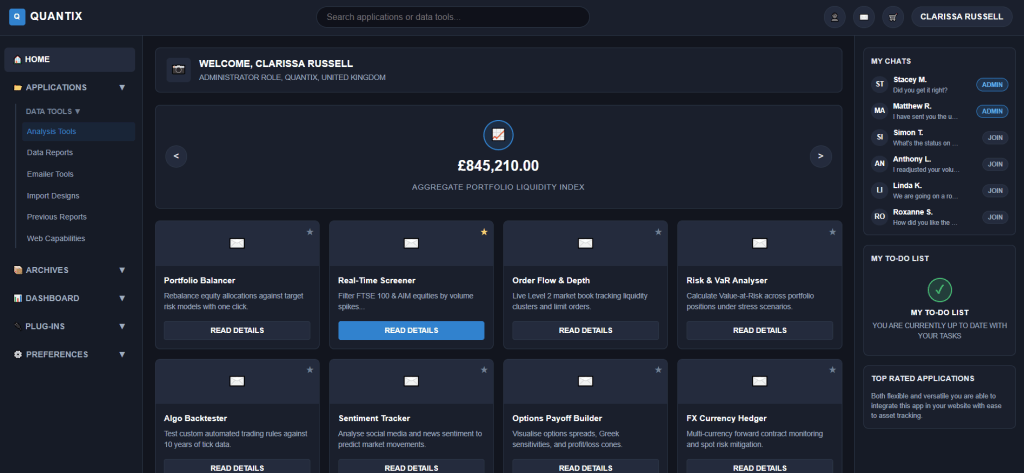
The wireframe outlined a dense layout split into three distinct functional zones: global navigation, persistent sidebar tools, and a central workspace. To achieve this, I used CSS Grid to establish a rigid three-column application layout.
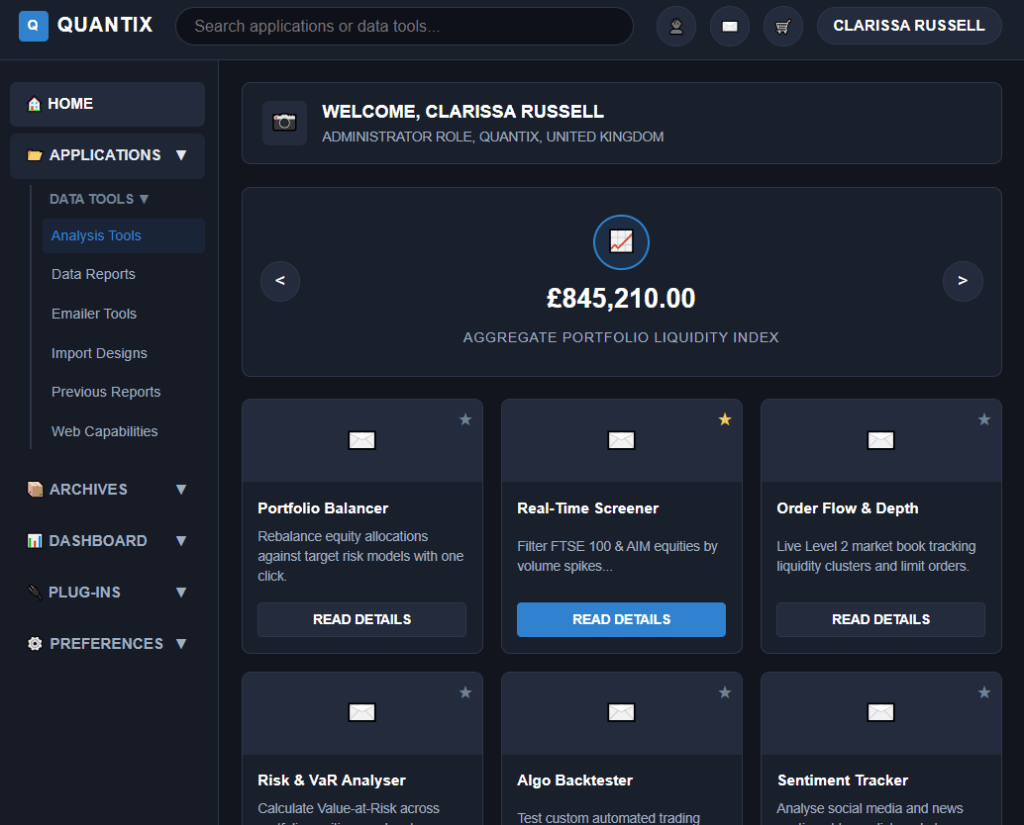
This structure gives each column a dedicated purpose:
- Left Sidebar: A collapsible navigation drawer for secondary data tools.
- Central Workspace: The active workspace featuring a user greeting banner, a live metrics showcase carousel, and a 4×3 matrix of trading tools.
- Right Panel: Widgets for team chats, task management (
My To-Do List), and recommended application highlights.
By keeping these panels fixed and letting content scroll within them independently, the interface feels like an installed desktop tool rather than a standard webpage.
Keeping JavaScript Lightweight and Purposeful
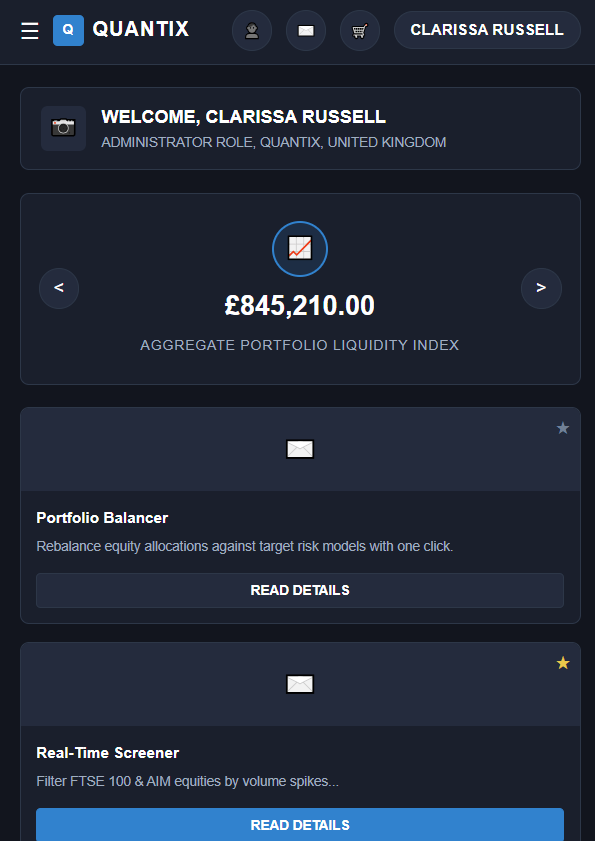
It is tempting to pull in a heavy framework or dozens of libraries when building an application dashboard, but I wanted to keep the codebase beginner-friendly, clean, and maintainable. I kept the JavaScript under thirty lines, focusing purely on essential interactions:
I wanted to keep the codebase simple, clean and maintainable. I tried my best to keep the JavaScript under thirty lines and searching up any features to add I thought might be helpful for interactivity.
The live deployment of this project can be found here on my GitHub!


Leave a comment